Announcement of Multi-Factor Authentication (MFA) Implementation for Current Students
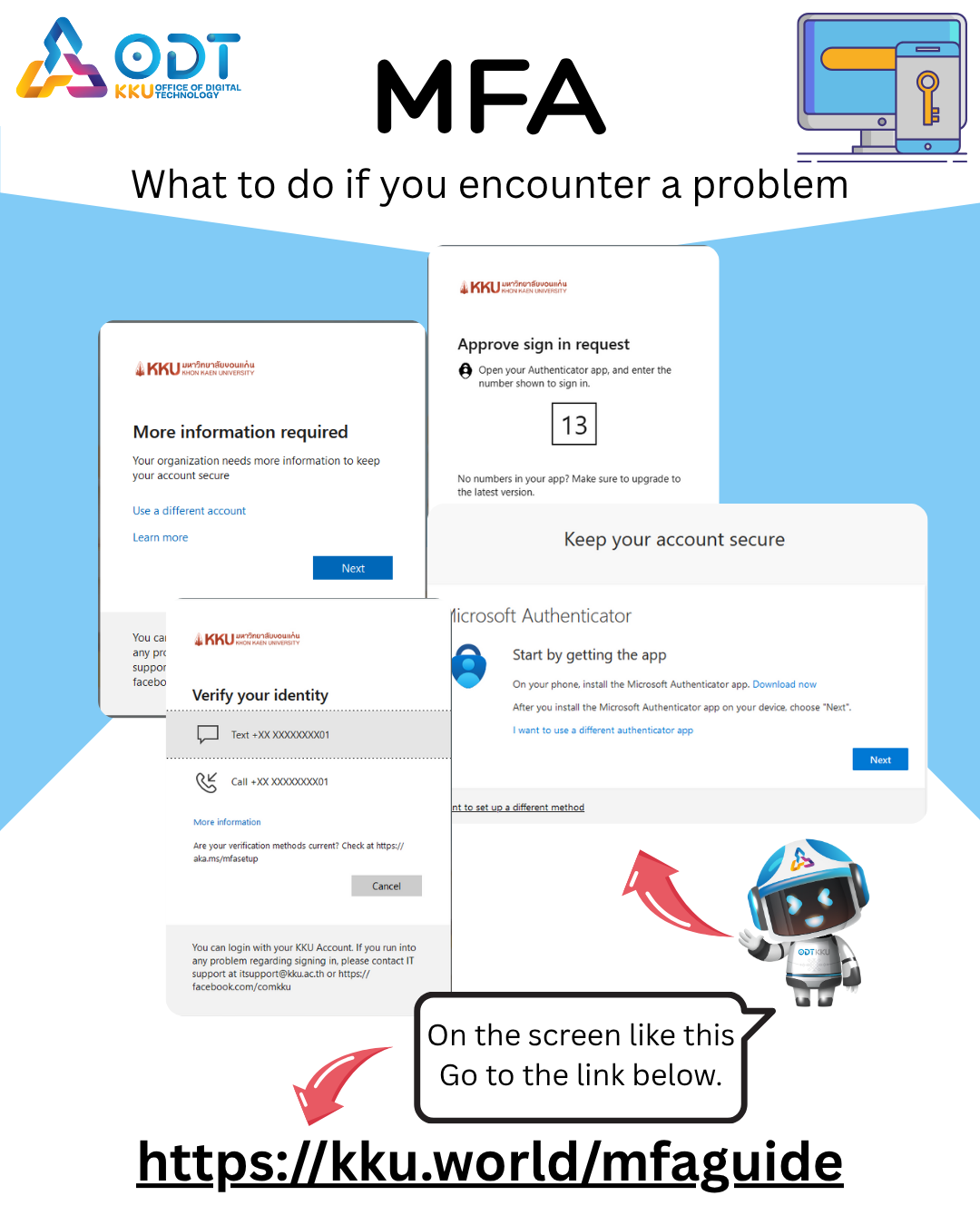
Setting Up and Troubleshooting Multi-Factor Authentication (MFA) to Enhance Security for Your KKU Account
ภาษาไทยคลิ๊กที่นี้ https://kku.world/mfaguide
 Why do we need MFA?
- Provides more security than using passwords alone
- Even if criminals know your password, they still can't access your account without the second authentication device
- Better protection against phishing attacks
- Reduces risk from data breaches in an era of increasing cyber threats
 Benefits of MFA
- Prevents unauthorized account access even if passwords are guessed or leaked
- Reduces risk from phishing attacks
- Protects personal data, emails, and important documents
- Increases confidence in online transactions through university systems
MFA Methods Recommended by Khon Kaen University's Digital Technology Office
Click on the slide to scroll through the guide – >
Link → https://kku.world/mfaen
Microsoft Authenticator App
Advantages ✅
- High security
- No network dependency - works offline
Disadvantages ❌
- Requires smartphone - needs a device that supports Microsoft Authenticator App, limited to iOS iPhone 8 or higher, and Android version 9.0 or higher
- If phone is changed or lost - and multiple MFA methods aren't set up, administrators will need to reset settings
SMS Authentication
Advantages ✅
- Easy to use - users just wait for SMS and enter the code
Disadvantages ❌
- International issues - may have problems when used abroad
- If phone number changes - and multiple MFA methods aren't set up, administrators will need to reset settings
Setting up MFA through Microsoft Authenticator app and SMS - having multiple MFA methods helps with recovery
Link → https://kku.world/mfaen
Before changing phone numbers or phones, follow these steps first:
- Changing phone number Link → https://kku.world/mfadelsmsen
- Changing phone or resetting phone Link → https://kku.world/mfadelappen
⚠️Warning: You must install both Microsoft Authenticator App and SMS Authentication before following the guides
To reset your MFA, visit → https://ssonext.kku.ac.th/reset-mfa
⚠️ CRITICAL WARNING: Microsoft Authenticator App
DO NOT DELETE THIS APPLICATION UNDER ANY CIRCUMSTANCES
Microsoft Authenticator is your primary identity verification tool. If you delete this app, you will:
❌ What will happen if you delete the app:
- You will not be able to use Khon Kaen University services
 Digital Technology Office, Khon Kaen University
123 Mitraphap Road, Nai Mueang Subdistrict, Mueang District, Khon Kaen Province 40002
 Phone: 043-009700, 043-002539 ext. 42001
 KKU Internal Number: 42001
 Email: itsupport@kku.ac.th
อัลบั้ม